Deanna Carr · Lovable Build Series

Stop guessing
what to tell Lovable.

Build your landing page with the exact prompts that take you from “I have an offer” to “my page is ready to publish.”

You don't need to learn code.

You don't need to become a web designer.

And you definitely don't need to spend hours typing random prompts into Lovable hoping something finally looks right.

The Lovable Landing Page Build Kit walks you through planning, messaging, building, designing, fixing, optimizing, and publishing your landing page — with prompts you can copy, customize, and paste.

Get the Complete Build Kit for $37

Get the $37 Build Kit
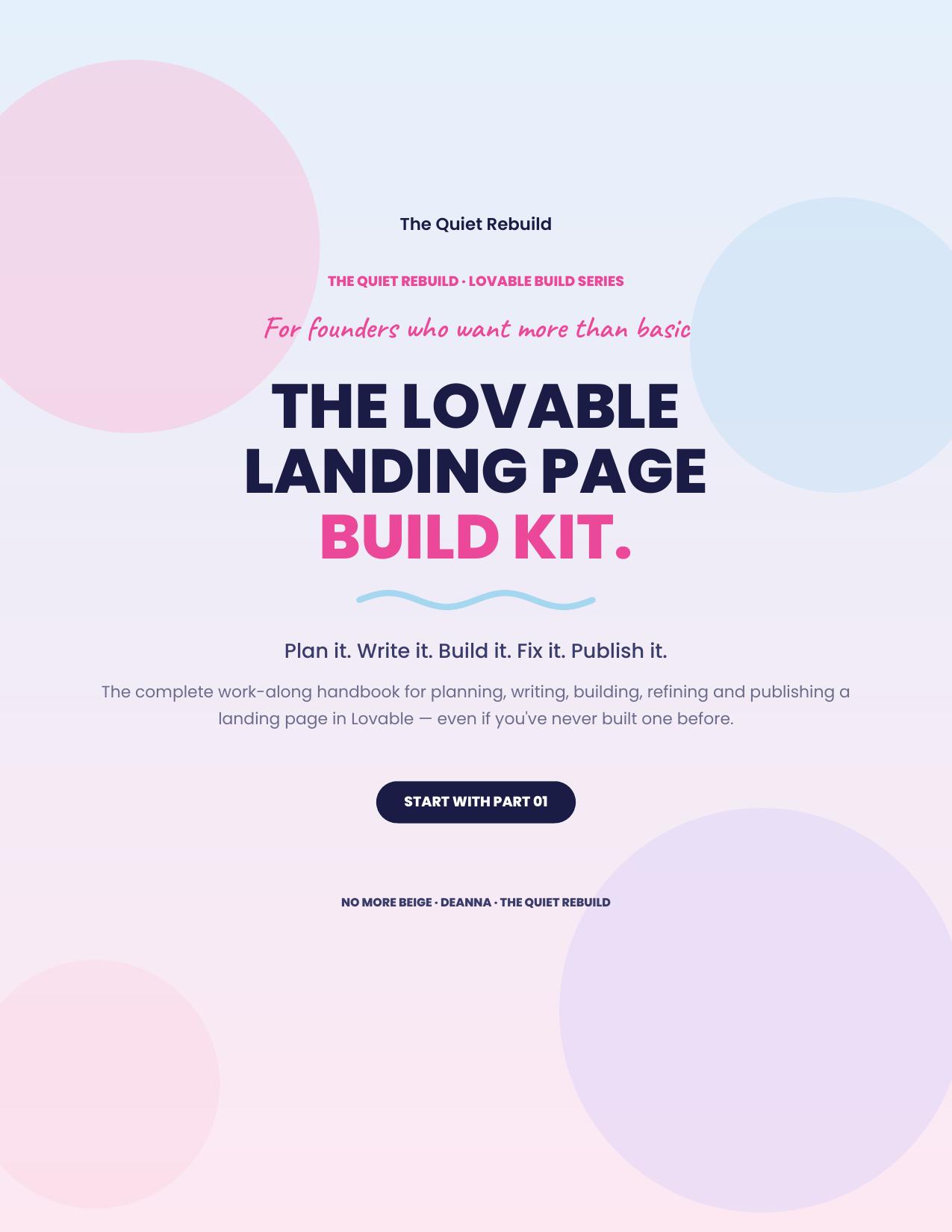
Cover of The Lovable Landing Page Build Kit
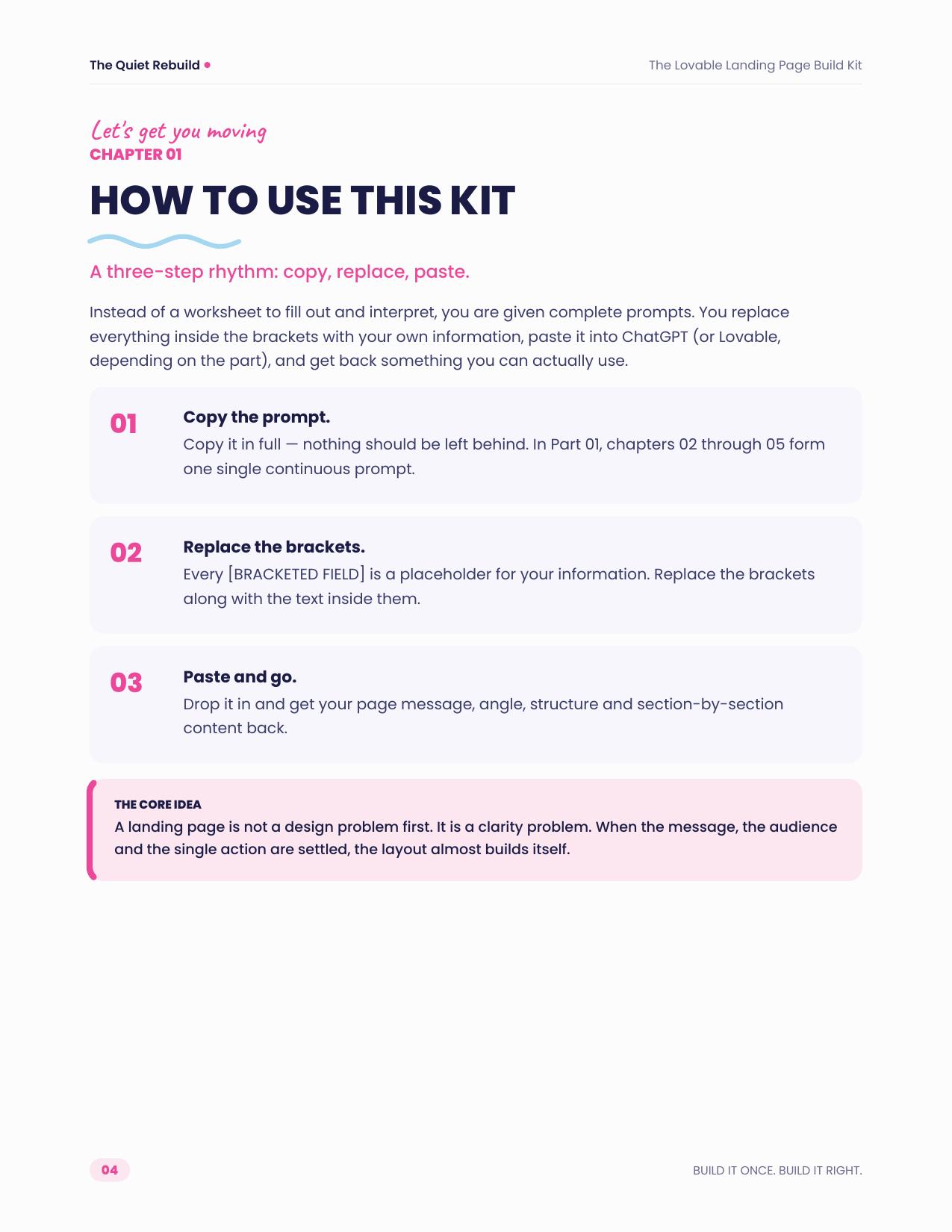
Inside page: how to use the Build Kit
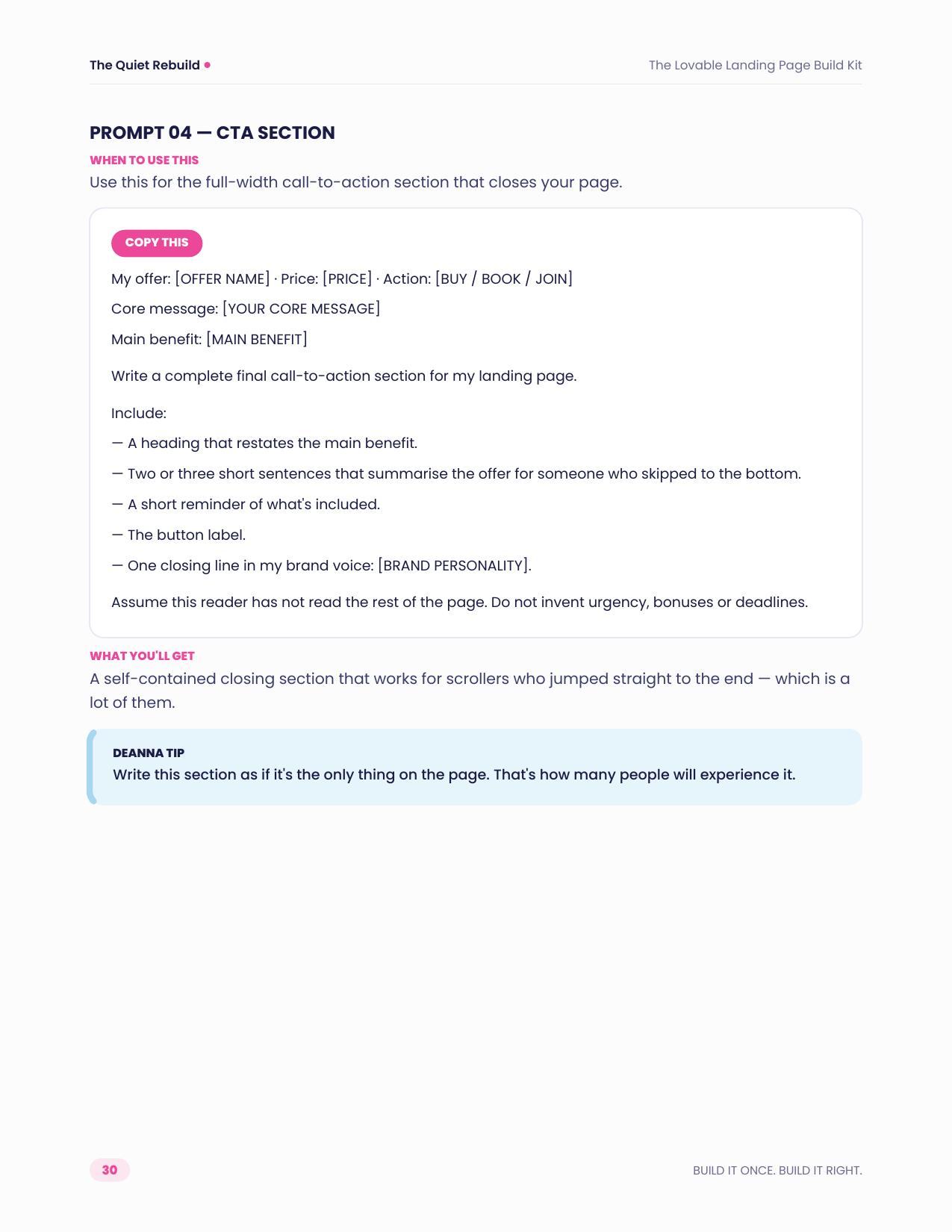
Inside page: a copy-and-paste CTA section prompt

Sound familiar?

You opened Lovable.
Now what do you tell it?

I know what I'm selling... I just don't know what the page should say.
Why does everything Lovable gives me look so generic?
I don't know what sections I need.
I like the page... but something looks off.
Why did Lovable change THREE things when I asked it to change ONE?
My desktop page looks great. My mobile page is a disaster.

That's exactly why I created this.

You don't need more random prompts saved in your Notes app. You need a process that tells you what to do from the moment you start planning your page until you're ready to hit publish.

Copy. Customize. Paste.

Your Lovable build process.
Already written for you.

The Lovable Landing Page Build Kit is designed to sit beside you while you build.

  1. 1Find the step you're working on.
  2. 2Copy the prompt.
  3. 3Replace the [BRACKETS] with your information.
  4. 4Paste it into AI or Lovable.
  5. 5Then keep building.

No coding language required.

No trying to figure out the “perfect prompt.”

No staring at a blank Lovable screen wondering what to type.

01Plan
02Message
03Build
04Design
05Fix
06Mobile
07Publish

From blank page to published.

This isn't a random pack of AI prompts. It's your step-by-step Lovable build companion.

01

Plan It

One prompt. One offer. One clear plan.

Create a clear plan before building anything. Includes the Landing Page Planning Blueprint that helps identify what your page actually needs.

  • Your offer
  • Audience
  • Customer problem
  • Desired result
  • Benefits
  • CTA
  • Page structure
  • Brand direction
  • Missing information
02

Message It

Turn your ideas into words your customer can actually understand.

  • Core messaging
  • Customer problems
  • Desired transformation
  • Features → benefits
  • Offer messaging
  • Objections
  • Page copy
03

Headlines + CTAs

Stop wondering what your headline or button should say.

  • Clear headlines
  • Result-focused headlines
  • Problem-aware headlines
  • Fixing weak headlines
  • CTA buttons
  • Buying CTAs
  • Booking CTAs
  • CTA sections
04

Build It

Use the Master Lovable Landing Page Prompt to take everything you've created and generate your first full page.

  • Fill in the brackets with your info
  • Paste the prompt into Lovable
  • Let Lovable create your starting page
05

Build It Section by Section

Don't love one part? Fix that part without rebuilding everything.

  • Hero
  • Problem
  • Solution
  • Benefits
  • What's included
  • Who it's for
  • Testimonials / proof
  • FAQ
  • Final CTA
06

Make It Look Better

“I don't know what's wrong. I just don't like it.” The kit includes prompts for exactly that situation.

  • Make it more professional
  • Make it more fun
  • Make it less busy
  • Make it feel more premium
  • Fix colors
  • Fix typography
  • Fix spacing
  • Improve visual hierarchy
  • Make it feel less like a template
07

Mobile

Desktop looks great. Now pick up your phone.

  • Typography
  • Images
  • Buttons
  • Spacing
  • Section stacking
  • Overflow
  • CTA visibility
  • Overall mobile experience
08

Fix It

Lovable changed something it wasn't supposed to? Troubleshooting prompts for:

  • Undoing specific changes
  • Broken buttons
  • Incorrect links
  • Missing sections
  • Broken layouts
  • Image issues
  • Mobile problems
  • Overflow
  • Fixing one thing WITHOUT changing everything else
09

Publish It

One last check before the world sees it.

  • Final landing-page checklist
  • Messaging check
  • Design check
  • CTA check
  • Mobile check
  • Functionality check
  • Trust / proof check
  • Final Lovable audit prompt

You could ask AI what to do.
Or you could start with the prompt already written.

The value isn't simply having prompts.

It's knowing:

  • what to ask
  • when to ask it
  • what information to give Lovable
  • what to say when the result isn't right

The Build Kit organizes that process from beginning to end.

This is for you if...

01

You have an offer but no landing page

02

You've never built a page before

03

You bought a course/product and need somewhere to sell it

04

You're a coach or service provider

05

You're selling a digital product

06

You want to learn Lovable without learning code

07

You've already started a page but keep getting stuck

08

You want something you can reference every time you build

You don't need previous Lovable experience.

Want to build it yourself?
I've got you.

Build it yourself — $37

Get the Lovable Landing Page Build Kit.

Get the Build Kit

Decide you'd rather have help?
I've got you there too.

Improve My Landing Page

$147

You built it. I'll help make it better.

Improve My Page

Done-For-You Landing Page

$397

You bring the offer. I'll build the page.

Build My Page

Custom Lovable Build

Starting at $750

Have a bigger idea? Websites, interactive tools, quizzes, apps, calculators, and custom Lovable projects.

Tell Me Your Idea

Questions? Same.

Stop guessing. Start building.

Your next landing page doesn't need to start with a blank prompt.

Plan it.Message it.Build it.Fix it.Publish it.

The prompts are already waiting for you.

$37